- On the right hand side of the website you will see the main menu burger icon which will allow you to 'search' the timeline.
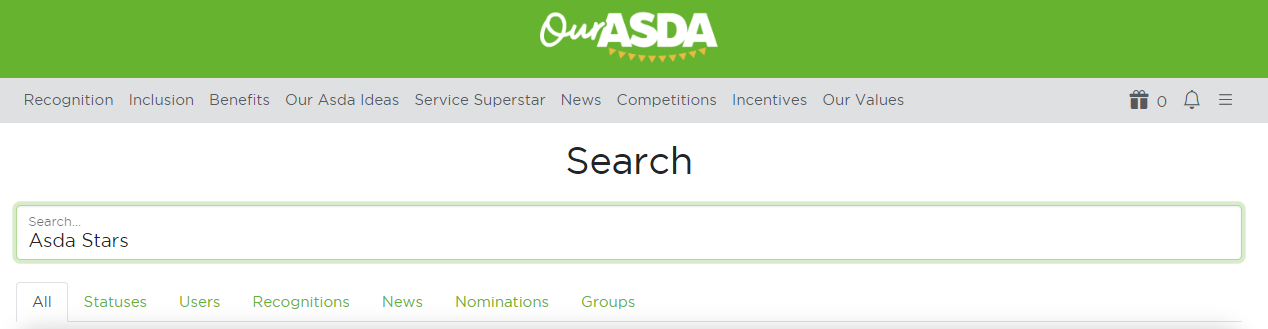
- Once you know what you want to find, just use the search bar for it.
- After a few second search, it will allow you to narrow down the search to 'Statuses', 'Recognitions', 'Nominations', 'Users', 'News' and 'Groups'.
- Select the section that would like to narrow this search down to by clicking on the specific one.
- Don’t forget to clear your filter selection once you are done.
Was this article helpful?
That’s Great!
Thank you for your feedback
Sorry! We couldn't be helpful
Thank you for your feedback
Feedback sent
We appreciate your effort and will try to fix the article